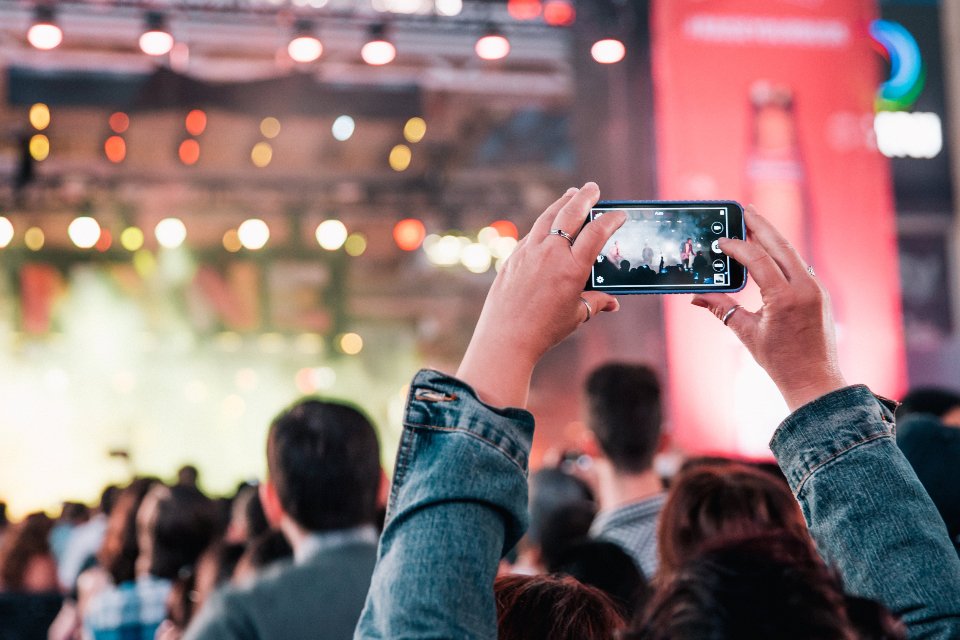
Almost every event today ends the same way: someone starts a WhatsApp or Messenger group, guests drop in a few photos on the first night, and then it's forgotten. A month later you find ten photos instead of two hundred, all compressed to a third of their original size.
Why a group chat doesn't work
- Compression. WhatsApp and Messenger shrink photos on send — what looked sharp on a phone screen is blurry on a big screen.
- They get lost in the conversation. A photo gets buried between jokes, voice notes, and ride-home planning. Nobody goes back for it.
- Nobody downloads them all at once. To get every photo, you have to scroll the whole chat history manually, one by one.
- No moderation. Whatever someone sends, everyone sees instantly — including photos you might have preferred to check first.
What to do instead
One link or QR code that leads straight to uploading into a single gallery — no app, no registration. A guest takes a photo, taps once, and it's in the gallery at full quality, sorted by time.
- Photos and videos in full quality, no compression.
- A live slideshow on screen — new photos appear within seconds of upload.
- Moderation mode, if you want to check a photo before it goes public.
- Download everything at once as a ZIP, whenever you want.
How to set it up
Setting up a gallery takes a couple of minutes. You get a QR code to print and a link to share in chat — send both before the event, not on the day, when someone will forget to mention it.
For exactly where to put the QR code and when to mention it out loud, see QR Code at the Event: Where to Put It and When to Mention It.